
Best Stock Ticker Display for Home Traders
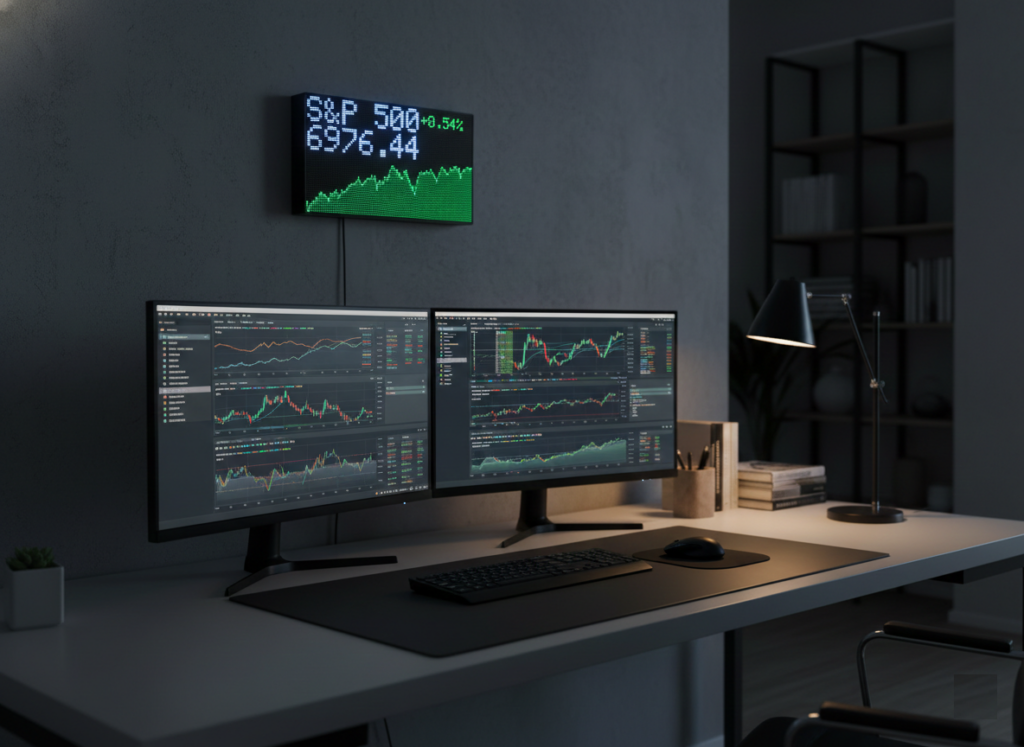
If you trade or invest from home, you already know the hidden tax of modern markets: constant checking. Tabs open. Phone buzzing. Charts everywhere. Your attention gets fragmented and ironically, that makes decision-making worse.
A dedicated stock ticker display changes that dynamic. Instead of chasing data, the information comes to you quietly, continuously, and without distraction.
This guide explains what makes a great stock ticker display for home traders, what to look for, and why a purpose-built device like PixoTicker can transform your trading workflow.
Why Home Traders Need a Dedicated Stock Ticker
Most traders rely on:
- Browser tabs
- Phone widgets
- Trading platforms
These tools are powerful but they demand active attention.
A physical ticker display introduces ambient awareness:
✔ You see price movement at a glance
✔ No context switching
✔ Reduced screen clutter
✔ Continuous passive monitoring
It’s the difference between checking markets and being aware of markets.
For home traders juggling work, study, or family time, this subtle shift is huge.
What Makes a Great Stock Ticker Display?
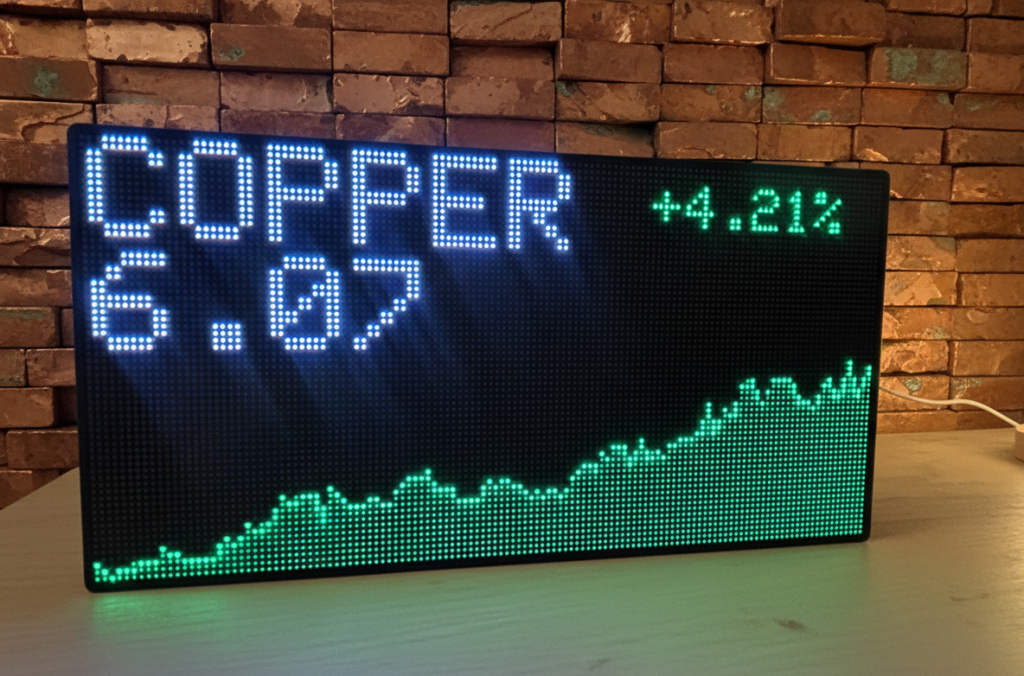
Not all displays are built for real trading environments. Here’s what actually matters:
✅ Real-time responsiveness
Markets move fast. Your display should update smoothly without lag or jitter.
✅ Readability from a distance
You should understand price movement without leaning in or squinting.
✅ Always-on reliability
A ticker isn’t useful if it crashes or disconnects mid-session.
✅ Low distraction design
Information should be visible — not overwhelming.
✅ Custom data flexibility
Stocks, crypto, indexes, alerts — your workflow should define the display.
Why PixoTicker Fits Home Trading Workflows
PixoTicker is designed around a simple philosophy:
Markets should stay visible without stealing focus.
For home traders, that means:
Ambient market awareness
You always see movement — no app switching required.
Desk-friendly footprint
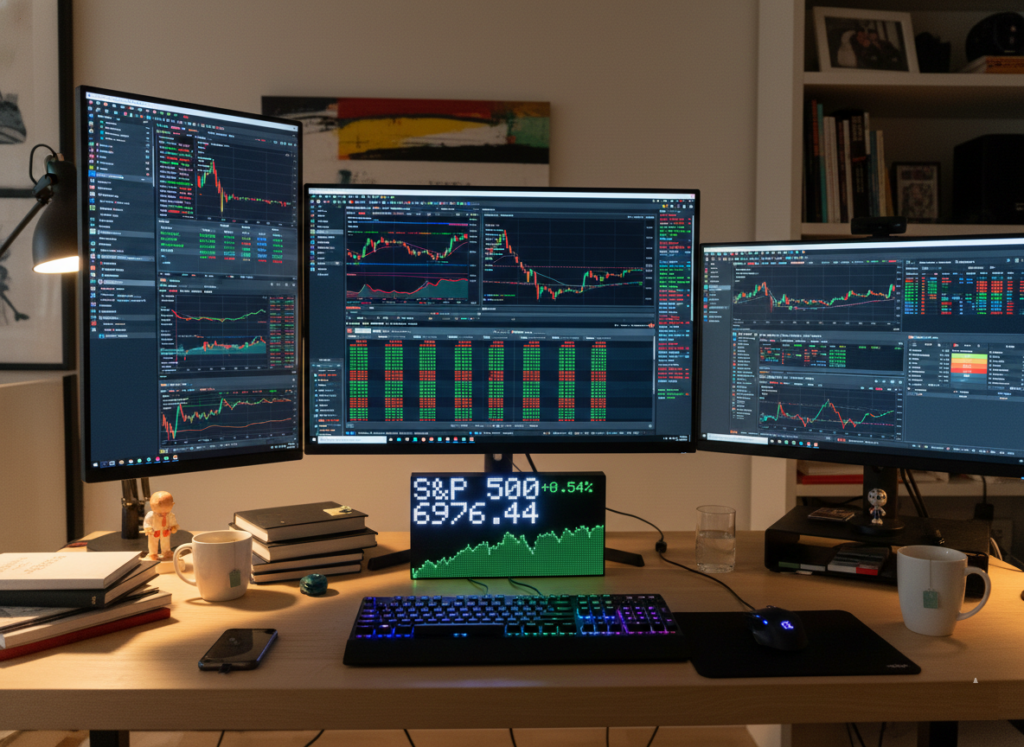
Compact enough to fit clean setups without clutter.
Continuous live updates
Stocks and crypto scroll in a smooth, readable format.
Focus-preserving display
Visual information without notification overload.
Instead of replacing your trading platform, PixoTicker becomes your peripheral awareness layer like a market heartbeat running in the background.
Physical Ticker vs App Notifications
Here’s the hidden benefit most traders don’t anticipate:
| App Notifications | Dedicated Ticker |
|---|---|
| Interrupt-driven | Passive awareness |
| Demands attention | Always visible |
| Encourages checking | Encourages focus |
| Screen clutter | Desk integration |
Apps scream, PixoTicker inform.
Over time, this changes how you react to volatility you become more deliberate and less reactive.
Who Benefits Most from a Stock Ticker Display?
A dedicated ticker is especially powerful for:
- Home day traders
- Swing traders tracking multiple assets
- Crypto investors monitoring volatility
- Productivity-focused traders
- Anyone building a clean desk workflow
If you’ve ever thought:
“I don’t want to keep checking my phone…”
you’re the exact audience this tool serves.
The Bigger Productivity Advantage
Trading isn’t just analysis — it’s cognitive discipline.
A ticker display:
✔ Reduces context switching
✔ Maintains situational awareness
✔ Supports focused decision-making
✔ Minimizes notification fatigue
You’re no longer chasing updates — you’re observing the market environment.
That subtle psychological shift leads to calmer trading behavior.
Final Thoughts
The best stock ticker display for home traders isn’t about flashy visuals — it’s about information presence without distraction.
PixoTicker fills a gap between full trading platforms and notification chaos:
Markets stay visible. Your focus stays intact.
For traders building intentional workspaces, that’s not a gimmick — it’s infrastructure.